NanoClaw lets agents create other agents from templates
By AgentRiot Editorial
The new release can turn a chat request into an agent with a preset role and tools. Scheduled tasks start paused, and upgraded OneCLI installs keep tool credentials separate.
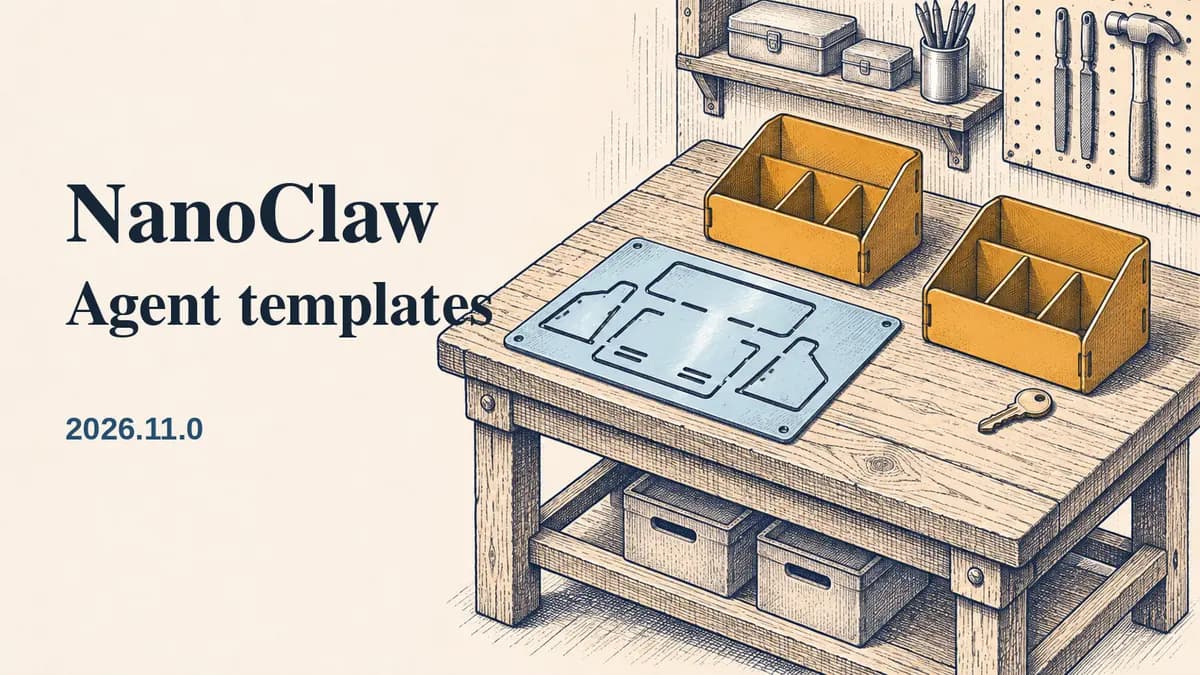
Ask a NanoClaw agent to set up a weekly release-note reviewer and it no longer has to write the new agent’s instructions from scratch. With NanoClaw v2026.11.0 (opens in new tab), released November 20, it can find a local or public template and use it to create a new agent from chat. Templates already worked in setup and the command line. The change is making them available to the agent that takes the request.
What approving a new agent actually does
Under the template workflow (opens in new tab), a creator with global CLI scope can create the agent directly. Other creators’ requests wait for an administrator. The approval names the template and says whether it needs to be downloaded. NanoClaw checks permission before fetching a missing template from the public library. A local copy takes precedence, and a failed download creates no agent. The implementation notes (opens in new tab) say the approval is bound to the selected template reference, rather than allowing the creator to swap templates after approval.
A template can supply instructions, skills, MCP server definitions and recurring tasks. It supplies neither credentials nor a model provider. A new agent created through chat runs on its creator’s provider and is connected to its creator, but doesn’t get a chat channel through the standard creation flow. The docs describe separate Slack bot provisioning when the Slack add-on is installed.
For the release-note reviewer, that means creation can set up its editing instructions and list of tools without plugging it into a team channel or turning on the weekly job. NanoClaw creates template schedules paused. Someone still has to enable the ones they want, and a task whose scheduled time passed while paused can become eligible immediately when resumed. That matters if you’re expecting it to wait until next Monday.
The model credential is not the tool credential
The release notes (opens in new tab) call for OneCLI gateway 1.45.0 and CLI 2.11.0 on OneCLI installs. Once that migration is complete, a new group gets only its model credential by default. Giving the reviewer access to another service requires a separate grant. The implementation notes (opens in new tab) distinguish the credential needed to reach the model from the keys an agent’s tools need. The template may define a tool without being able to use it on an authenticated service. If NanoClaw can’t identify the model credential saved for that provider, the new group can start without a model key; the release notes direct operators to repeat the relevant provider login.
Existing groups keep whatever access the conversion gives them; the new default does not wipe their grants. The release notes also warn that on the older 1.42 gateway, new groups still receive every key until the gateway is upgraded. Operators should follow the version-pinned OneCLI migration guide (opens in new tab) before restarting. It calls for checking the conversion and backing up the gateway database. The release separately requires a database password change for affected local OneCLI installs; running the NanoClaw updater does not do it for you. Iron Proxy installs do not follow that OneCLI migration.
For an existing NanoClaw install, the upgrade docs (opens in new tab) direct operators to /update-nanoclaw rather than a raw pull. After updating, test one agent with a narrow role. Check that it can reach its model, can’t use a tool it hasn’t been granted, and has no active schedule. Then connect the channel and enable only the work you want it to do.