ChatGPT Dots reach U.S. Business Standard and select Plus users
By AgentRiot Editorial
Eligible Business Standard members can create one personal agent in their workspace. Plus access is still limited, and the Enterprise admin guide does not cover Business Standard.
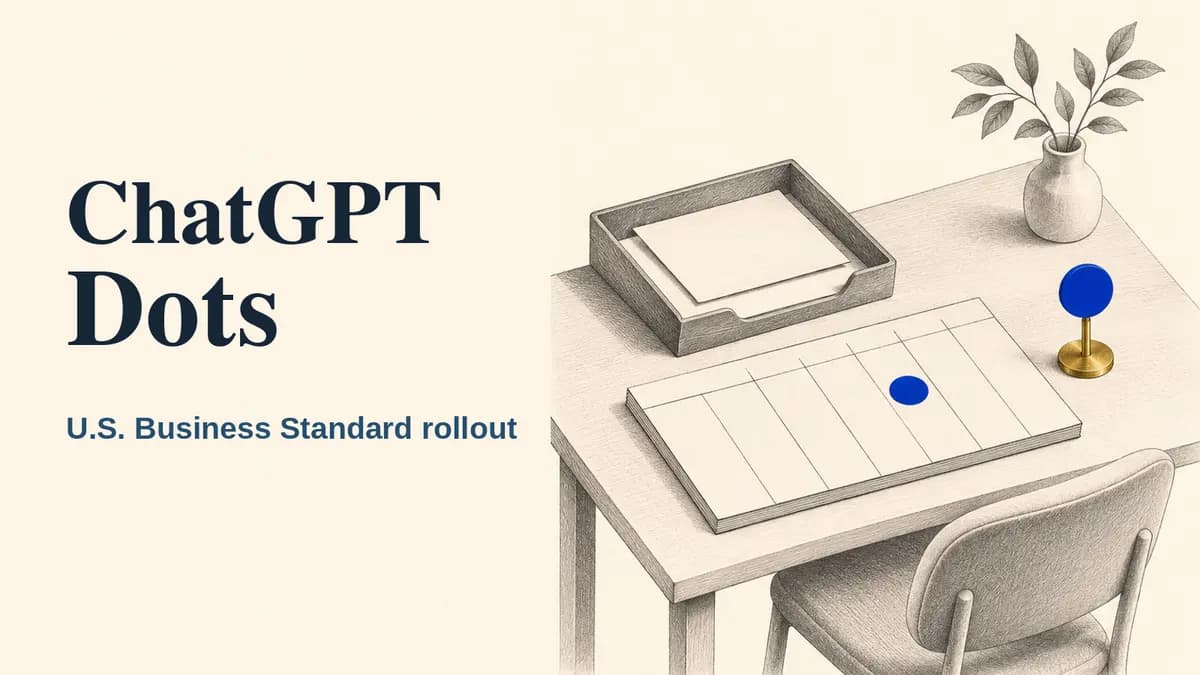
OpenAI is bringing Dots, its always-on ChatGPT agents, to eligible Business Standard members in the United States. The November 19 Business release notes (opens in new tab) say each member who gets access can create one personal dot inside their workspace. That’s one per eligible member, not one shared agent for the team. The getting-started guide (opens in new tab) also lists a separate, gradual rollout to select Plus users.
Who actually gets access
Business Standard members should switch to their Business workspace and open the Dots page (opens in new tab). If the option to create a dot isn’t there, the rollout may not have reached the account. OpenAI says usage limits apply, but the Business release note does not specify a numerical allowance. Business Standard seats (opens in new tab) are $25 per user per month on monthly billing or $20 per user per month billed annually. Those are seat prices, not a separate Dots tariff or a promise of unlimited background work.
For Plus (opens in new tab), the subscription still costs $20 per month. The Dots eligibility guide (opens in new tab) limits the rollout to selected accounts aged 18 and older outside the European Economic Area, the UK and Switzerland. Changing to Plus doesn’t guarantee access; OpenAI says moving from Pro to Plus will lose access to an existing dot. Support can’t enable the feature for an account that hasn’t received it, and restarting the app doesn’t bring it forward.
There’s a separate change for Enterprise, Edu and Healthcare. In eligible workspaces on those plans (opens in new tab), Dots became available by default on November 18 unless an admin opted out. That doesn’t create a dot for anyone automatically. The guide’s role-based permissions and dot inventory are documented for those plans, not as part of the Business Standard rollout.
Start with a draft, not permission to send
A dot can continue work between chats on its own cloud computer. For a weekly update, you could connect one relevant app, ask the dot to prepare a Friday draft, and keep distribution in human hands. OpenAI’s setup guide (opens in new tab) says local-computer access starts off and requires confirmation in the desktop app. Connected apps are a separate decision: a dot can review permitted information and form memories even without a new request. Asking for a draft doesn’t authorize sending it, and a custom rule can’t grant access to a computer or app that hasn’t been connected.
The workspace choice also affects data use. OpenAI’s Dots privacy FAQ (opens in new tab) says it does not use ChatGPT Business workspace data for model training by default. On personal plans such as Plus, the Improve the model for everyone setting controls whether a dot’s work and conversations may be used to improve models. Disconnecting an app blocks new access through that connection but doesn’t erase what the dot already learned from it.
If you’re testing one recurring job, note where it shows up in Scheduled and how to stop it there. Pausing a dot (opens in new tab) doesn’t necessarily stop separate Work or Codex tasks or independently scheduled work. Check those separately before treating a paused dot as the end of the job. For the original launch and how action approvals work, see AgentRiot’s September Dots coverage (opens in new tab).