OpenClaw 2026.11.10 lets you take over the agent’s browser
By AgentRiot Editorial
Take control pauses new browser input without ending the agent’s turn. The stable release also adds ClawHub templates behind a Labs switch and enables Deep Research by default.
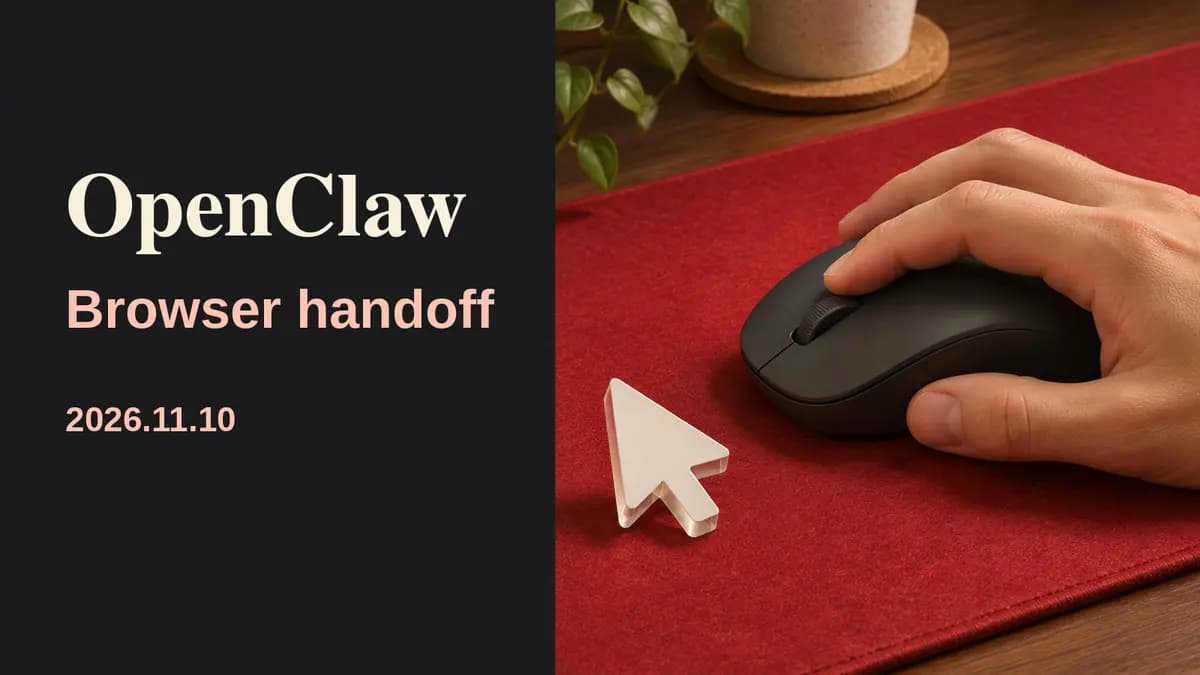
If an OpenClaw agent reaches a sign-in screen during a long job, you can now finish that step yourself without cancelling the turn. OpenClaw 2026.11.10 shipped on November 25 (opens in new tab) with a Take control button in the Control UI’s Browser panel. After you finish, Release control hands the same browser back, with the page still where you left it.
What taking control actually pauses
This is an input pause scoped to the browser behind the selected profile, as described in the release notes (opens in new tab) and browser profile guide (opens in new tab). While you hold control, OpenClaw refuses new browser input from the agent’s browser tool, the browser CLI and other Control UI connections. Read-only snapshots and screenshots are still available, an action that already started may finish, and other browser profiles are unaffected. This is a way to prevent competing clicks and typing, not a way to hide the ordinary page or freeze the whole agent.
The handoff is for supported browser profiles running on the Gateway host, not node-routed browsers. Control can also return automatically if the Control UI disconnects or you leave it idle for five minutes. For password management, the release notes (opens in new tab) describe a separate feature: eligible Chrome settings and password-manager tabs are accessible only to the authenticated Control UI connection that opens them, unlike ordinary tabs under Take control.
ClawHub templates package an agent’s setup
The release adds a way to create an agent from a ClawHub template instead of re-entering its settings and installing its skills separately. The tagged template guide (opens in new tab) describes a CLAW.md manifest for the agent’s settings and a review step for bundled skills and other dependencies. A template can include scheduled work, so check what it asks to install, not just the role it advertises.
On 2026.11.10, adding templates requires Settings → Labs → Templates. Authoring and inspecting local packages don’t require that switch. The current online CLI guide (opens in new tab) describes templates as available by default, but that isn’t the behavior documented for this tag.
Deep Research is on; Knowledge is a separate choice
Deep Research (opens in new tab) runs with the existing model and configured web tools by default. It can also work from supplied documents, and its report includes supporting quotes and an Unresolved section when the evidence falls short. Eligible jobs can resume after a Gateway restart. Google’s managed research engine is an opt-in alternative, not where the default sends queries.
The bundled Knowledge plugin (opens in new tab) is opt-in. It stores notes and supporting excerpts in a local Markdown vault and adds a Control UI explorer. Selecting it as the active memory provider leaves the existing memory-core data in place. Local storage is distinct from local processing: the release notes say optional keyword recall in shadow mode sends the message and candidate excerpts to the configured Decision provider for scoring.
Check your update channel first
On November 25 the npm latest tag (opens in new tab) pointed to 2026.11.10; extended-stable still pointed to the separate Gateway-only 2026.10.33 branch (opens in new tab). On an existing package install, openclaw update --dry-run previews the target. If you’re on the regular package channel and want exactly this version, the tagged updater docs (opens in new tab) document openclaw update --tag 2026.11.10 as a one-off target. This release’s updater does not accept --tag when the effective channel is extended-stable.