OpenAI Images 2.6 adds GIFs, saved references, and API editing controls
By AgentRiot Editorial
The November 4 release adds animation and reusable photos in ChatGPT, plus complexity controls, markup-guided edits, and vector output for builders.
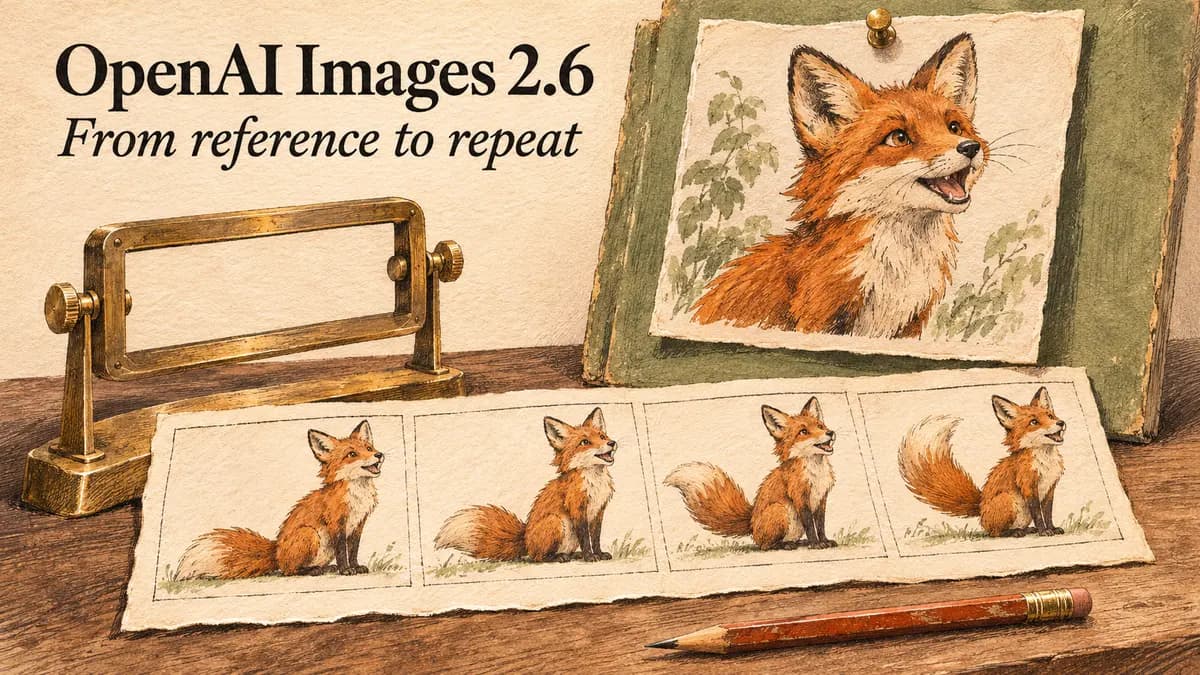
OpenAI’s Images 2.6 can turn a still image into a looping GIF and let ChatGPT users save a reference photo for another conversation. For developers, the larger change is control over the production process: separate planning effort from rendering quality, mark the object that needs changing, or request an editable SVG instead of a raster image.
OpenAI announced the release on November 4 (opens in new tab), saying Images 2.6 is available globally in ChatGPT and Codex across subscription tiers on desktop, mobile, and web. That broad availability does not mean every new feature has finished rolling out: the Help Center says GIF creation is rolling out (opens in new tab). The API models are gpt-image-2.6-flare and gpt-image-2.6-sunburst.
The Flare/Sunburst split already existed in Images 2.5 (opens in new tab). Sketch, templates, and higher quality settings are not the news this time. The useful question is how much of an asset workflow 2.6 can handle without another tool.
ChatGPT remembers the reference, not just the conversation
The new reference feature removes a repetitive upload step. Upload a photo, ask ChatGPT to save it as a reference, and give it a name. In a later chat, type @ followed by that name. OpenAI’s example is a dog named Pepper: a request for a watercolor portrait of @Pepper reuses the saved photo. The November 4 release notes (opens in new tab) identify saved references and GIF creation as the two new ChatGPT features.
That is a reusable consumer library, not a new API memory primitive. Developers still supply image inputs to requests. The Image API edit reference (opens in new tab) accepts up to 16 input images; naming a photo in ChatGPT does not give an application an API handle for it. An agent that needs a recurring product or character should manage its own approved references and attach them to the relevant edit request.
In ChatGPT, users can ask for a looping GIF or upload a still image to animate. They can revise a GIF ChatGPT created, adjust playback speed, save it, or share it. But ChatGPT cannot edit an animated GIF a user uploads, according to the feature documentation (opens in new tab). That matters if the intended job is repairing an existing animation rather than creating one.
Flare stays fast; Sunburst targets difficult edits
OpenAI says Images 2.6 generates images “50% faster than before.” Its launch post (opens in new tab) puts Flare’s best-case generation time at six seconds with quality set to low. Sunburst is positioned for greater detail and better consistency across edits at medium or high quality. Flare also gets a vendor-claimed improvement in layouts for posters and product visuals.
The general speed claim does not specify a matched workload or detailed baseline in the launch prose. Six seconds is a best case at a named setting, not a service-level guarantee. OpenAI’s prompting guide (opens in new tab) gives more useful migration advice: start a 2.5 Flare workflow on 2.6 Flare, and a 2.5 Sunburst workflow on 2.6 Sunburst. Compare the same prompts, references, dimensions, and quality before tuning anything else.
The new complexity field changes that tuning process. It controls planning before rendering; quality controls visual detail. Both models accept low, medium, and high complexity and default to high when the field is omitted. OpenAI recommends lower complexity for focused edits and warns that higher complexity can increase latency or introduce unwanted changes. There is no separate complexity fee (opens in new tab).
For an agent changing the color of a product against an approved background, lowering planning effort may be more appropriate than lowering the finished image’s quality. For a crowded diagram with several relationships to satisfy, more planning may help. Those are settings to evaluate separately, not a single fast-versus-good slider.
An annotation layer becomes an API input
Markup-guided editing uses POST /v1/images/edits. The generation guide (opens in new tab) shows a kitchen photo and a separate transparent PNG that circles a vase. The request supplies the photo as image, the annotation as markup, and a prompt asking for cobalt blue ceramic while preserving the vase’s shape and the surrounding kitchen.
The overlay must match the first image’s dimensions after orientation and contain transparent pixels. Do not flatten the annotation onto the original. Markup applies to the first input image; further images serve as references. It cannot be combined with mask or prompt_rewriter, and markup edits carry no additional fee beyond the normal token rates (opens in new tab).
This gives an application a concrete way to pass a reviewer’s circle or sketch into an edit. It does not make the surrounding pixels immutable. OpenAI’s prompting guidance (opens in new tab) still says to composite an approved edit into the original when part of an image must remain pixel-identical.
The documented 2.6 call paths are the Image API’s generation and edit endpoints. Both Flare (opens in new tab) and Sunburst (opens in new tab) model cards mark Responses and Batch unsupported. The general generation guide still contains 2.5 Responses examples; those examples should not be treated as a documented 2.6 integration.
GIF and SVG output have different boundaries
API animation is real, not just a ChatGPT feature. Set output_format: "gif" on POST /v1/images/generations, then decode the returned b64_json into a GIF file. The guide (opens in new tab) exposes frame_count and frame_duration_ms, but says GIF output is unavailable on the edit endpoint and does not support streaming or partial images.
There is a documentation conflict worth resolving before promising animation limits to customers. The guide lists 2 to 64 frames and 20 to 2,000 milliseconds per frame. The generation reference (opens in new tab) instead caps frames at 16, describes a different timing ceiling, and requires access to the selected model’s GIF preview. Neither supports assuming that every API account can immediately generate every animation the guide describes.
SVG output also goes through the generation endpoint, using output_format: "svg" and n: 1. It first creates a reference image, then authors a static vector document. Decode the base64 result into UTF-8 XML and save it as .svg. The guide (opens in new tab) excludes scripts, external resources, and embedded raster images. SVG edits and streaming are unsupported.
For builders, that is useful for icons and illustrations that need editable paths and colors. It is not a promise to export any existing raster asset into a production-ready vector file without review.
Equal token rates can still mean higher image costs
The current pricing table (opens in new tab) lists identical rates for both 2.6 models and their 2.5 counterparts: $8 per million image input tokens, $2 for cached image input, and $30 for image output. Text input costs $5 per million tokens, or $1.25 for cached input. Those are token tariffs, not fixed image prices.
OpenAI’s output-cost calculator (opens in new tab) estimates a 1024×1024 low-quality image at $0.02469 with 2.6, compared with $0.00588 with 2.5. At medium quality, the estimates are $0.04347 versus $0.01317. High, xhigh, and max estimates match between the two families at that size. These are the vendor’s output-only estimates, excluding text and image inputs, not charges measured in generation tests. A faster model can still cost more for a particular output setting.
Cached-input savings also need clarification before budgeting. The generation guide’s caching explanation (opens in new tab) describes GPT Image 2 and 2.5 through Responses, while the 2.6 model cards mark Responses unsupported. The 2.6 cached-rate rows are published, but their applicability to direct requests is not clearly documented.
SVG has a second component: customers pay for the reference image at the image model’s rate and for the authoring model’s tokens at its rate, according to the cost documentation (opens in new tab). A vector export is not necessarily priced like one PNG.
There is also a product-documentation mismatch. The launch says Codex gets 2.6, while the built-in image-generation docs (opens in new tab) still name gpt-image-2. Do not assume a Codex-generated asset proves which API model ran.
Review the sequence, not just the best frame
OpenAI’s system card (opens in new tab) identifies motion as a safety problem that still images can miss. Its fixed adversarial evaluation found unblocked unsafe outputs fell from 1.92% to 1.72% for Sunburst and rose from 1.49% to 2.14% for Flare versus their respective 2.5 baselines. Neither overall difference was statistically significant. These are offline results on challenging prompts, not production incident rates.
The sensible migration unit is one workflow. Keep the approved product photo, run the same edit chain, inspect what drifts, and record latency and cost per accepted result. For animation, review the complete loop. For vectors, inspect the paths. The release expands the formats an image agent can deliver; it does not remove the final acceptance check.