Cursor’s Rollouts follows code into production; Security Review checks the PR
By AgentRiot Editorial
One bot judges deployed changes against a plan; the other looks for exploitable flaws before merge. Neither substitutes for a team’s own release and security checks.
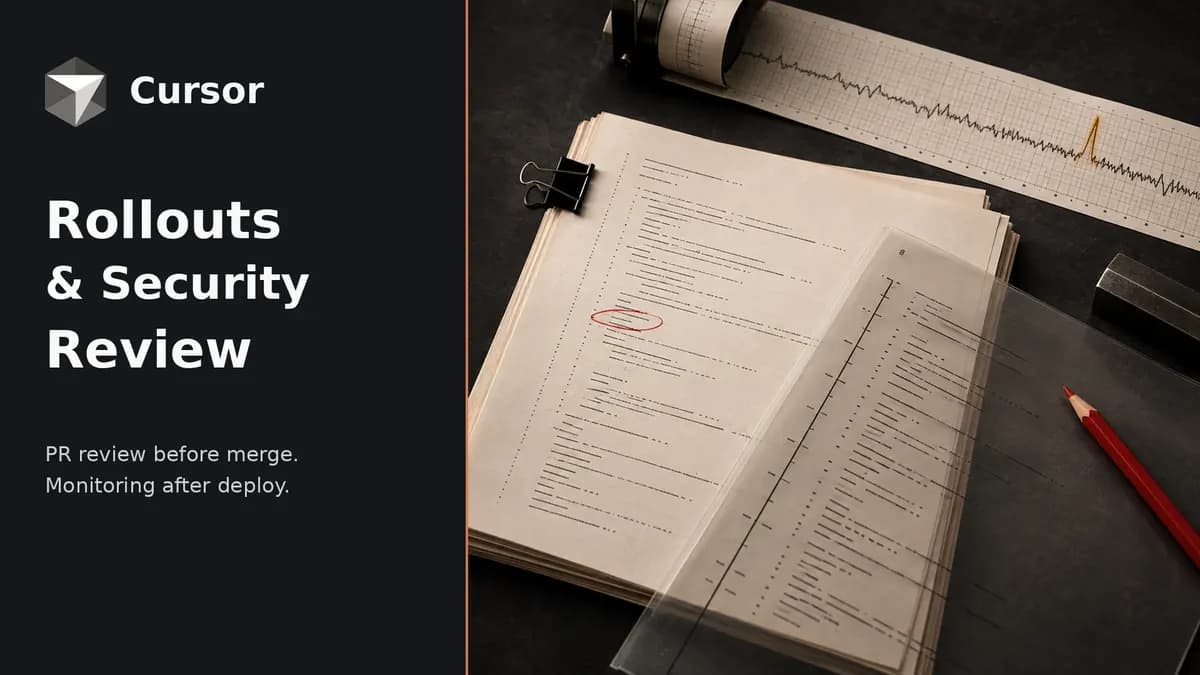
Cursor announced Rollouts alongside Security Review on September 23 (opens in new tab). Rollouts follows a pull request through deployment and checks whether the change behaves as intended. Security Reviewer examines the pull request for vulnerabilities before it merges. Both are available to Teams and Enterprise customers. Rollouts does not merge a fix or roll back a deployment on its own (opens in new tab).
Security Reviewer is not an entirely new product. Cursor put it in beta in April (opens in new tab), alongside a separate Vulnerability Scanner for scheduled codebase scans. The production-monitoring side has a different lineage: Firetiger’s team joined Cursor in August (opens in new tab), and Cursor calls Rollouts its version of Firetiger Change Monitors, rebuilt with the Bot Development Kit (opens in new tab).
A monitoring plan on the pull request
Rollouts reads a PR diff and posts a monitoring plan (opens in new tab) before deployment. The comment names the risks it sees, the effects the change should produce, the signals it will examine, and gaps in instrumentation. A developer can edit that plan in the PR; Rollouts then uses the edited version. It needs source control, deployment events, and telemetry rather than just access to the code repository. Cursor names Origin or GitHub for source control, a continuous-delivery system for deploy events, and Datadog or other telemetry providers for signals.
When the change’s commit is deployed, Rollouts checks logs, metrics, and traces against the plan and reports one of three states for each environment: verified healthy, regression detected, or inconclusive. Staging and production can therefore receive different verdicts. Cursor says it can distinguish an intended metric shift from a regression and catch a problem confined to an endpoint or region (opens in new tab). It does not give detection or false-alarm rates for those cases in the launch post.
A suspected regression can prompt a notification to the author. Depending on configuration, Rollouts may open a revert PR for review or hand the finding to a cloud agent to attempt a fix (opens in new tab); the launch post (opens in new tab) also describes pausing a progressive rollout. That is not the same as an unattended production rollback. Direct feature-flag ramping and unramping, plus awareness of release trains and deploy freezes, are described as coming soon, not shipped features.
The plan is only as useful as the signals available to it. If the team cannot observe a checkout failure or a region-specific latency change, Rollouts may return an inconclusive verdict or flag the instrumentation gap; it cannot prove an unmeasured outcome is healthy.
Security Review stays on the code side
Security Review reads PR changes in the context of the codebase (opens in new tab) and posts a review comment about exploitable bugs. Cursor says it skips draft PRs. The checks cover injection, authentication and authorization bypasses, exposed credentials, server-side request forgery, unsafe deserialization, redirects, and vulnerable dependency changes. Findings include severity, an attack path, and a proposed fix. Teams can add codebase-specific rules, and can dismiss a finding with a reason so it is not raised again on that PR.
That scope matters: style and general code quality remain Bugbot’s responsibility (opens in new tab), while Security Reviewer handles PR security review. Cursor’s Security Agents documentation (opens in new tab) also distinguishes the PR-triggered reviewer from the cron-triggered Vulnerability Scanner that searches a codebase at rest. A clean PR review is not a comprehensive audit of existing code. A proposed fix still needs a developer to validate it.
Access and the bill
Both bots are available on Teams and Enterprise (opens in new tab) through Cursor’s Automations tab. Teams Standard is listed at $40 per user per month and Premium at $120; Enterprise is custom-priced (opens in new tab). Cursor’s Security Agents documentation says their runs draw on the team usage pool (opens in new tab), while its Automations documentation says cloud-agent automations are billed by usage (opens in new tab). A seat price alone is therefore not an all-in estimate for running these bots.
For Rollouts, Cursor’s launch changelog (opens in new tab) offers ten days of introductory usage credits covering roughly 50 changes on Teams and 500 on Enterprise. It does not publish a durable, dedicated per-change Rollouts tariff there. Teams evaluating it should connect the deployment and telemetry systems, inspect an editable plan on a real PR, and check the resulting environment-specific verdict against their own incident and release procedures before granting the bot a larger role.