Codex is becoming a developer work surface, not just a coding chat
By AgentRiot Editorial
OpenAI’s latest Codex demo combines GPT-5.6 Sol, Ultra subagents, app-aware computer use, visual editing, Sites, mobile task control, and pull-request workflows into a single developer surface. The feature list is broad. The real change is where the work is meant to live.
OpenAI’s newest Codex demo begins with a growth claim that needs careful labeling.
At the five-second mark, the presenter says more than 6 million people use Codex every week. The accompanying OpenAI Developers post, published the same day, says 7 million-plus weekly Codex users. Later that day, Tibo Sottiaux wrote that Codex and ChatGPT Work had reached 8 million active users combined.
Those are not interchangeable measures. The video and OpenAI Developers post describe Codex weekly users, while Sottiaux’s later post covers active users across Codex and ChatGPT Work. All three are OpenAI-reported figures rather than independently audited adoption statistics. OpenAI has not published a reconciliation of the scope and timing behind the numbers.
Sottiaux also said OpenAI was resetting usage limits for all users again and keeping the five-hour rate limit off, explicitly tying the capacity move to demand around GPT-5.6 Sol. That is a meaningful user-facing part of the launch: OpenAI is responding to demand with a temporary access decision, not announcing a permanent entitlement or a new benchmark.
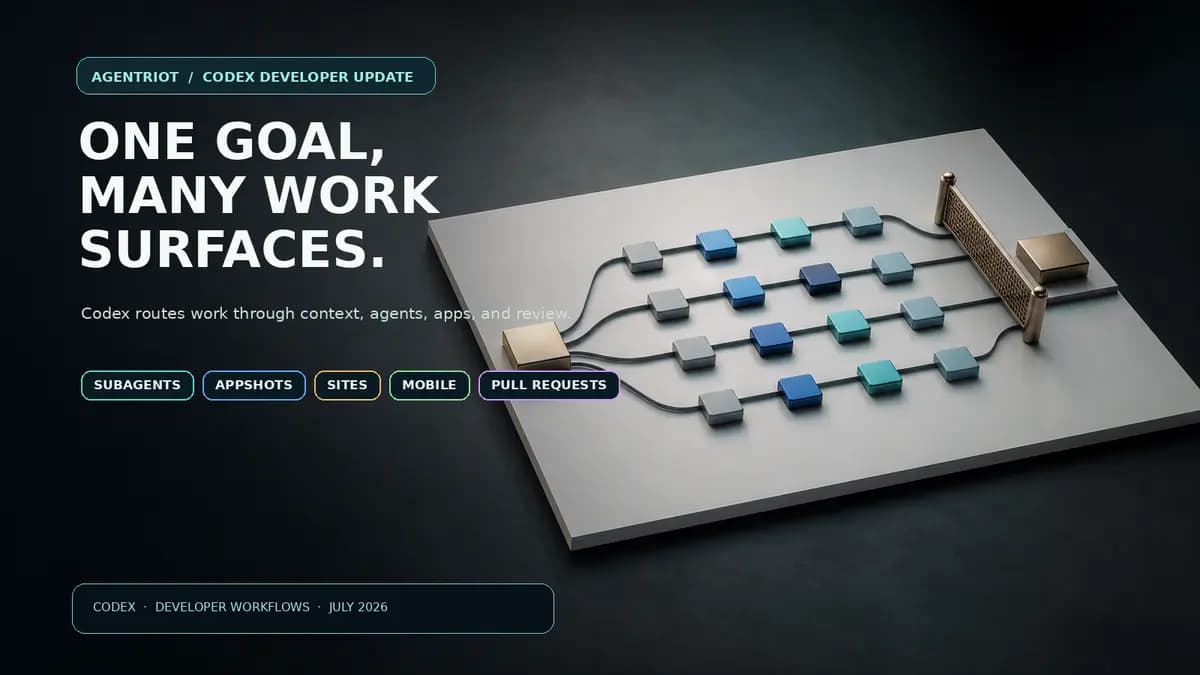
The rest of the seven-minute demo is about consolidation. OpenAI is asking developers to see Codex less as a separate tool for asking a model to write code and more as the place where an entire chain of work can be delegated, inspected, edited, reviewed, and deployed.
The new pitch combines GPT-5.6 Sol, Ultra reasoning, automatic subagents, Appshots, browser editing, Sites, task coordination, mobile SSH access, and pull-request controls. None of those features matters much as a bullet on its own. The argument is that they should share context instead of forcing developers to hand work from one surface to another.
Codex moves into ChatGPT, but keeps its own lane
The demo says Codex and ChatGPT are now coming together in one desktop app. Codex remains in a dedicated space next to the new Work agent rather than dissolving into a general-purpose chat tab.
That distinction is important. OpenAI’s July 9 product announcement describes the new desktop app as a combination of Chat, Work, and Codex. The company is trying to reduce the seams between planning, research, and implementation without pretending the three jobs are identical.
For a developer, the useful promise is context transfer. A conversation or research thread can become an implementation task without manual copy-paste. The demo shows a user mentioning an earlier ChatGPT conversation to bring its context into Codex when it is time to build.
The risk is that a unified desktop app can also blur responsibility. A coding agent with access to tasks, browsers, remote hosts, and deployable sites needs a very clear sense of which workspace, branch, permissions, and approval path it is operating under. OpenAI’s product story is moving toward fewer handoffs. Its execution will be judged by whether those handoffs become more legible, not merely less visible.
Ultra turns one goal into a small team
GPT-5.6 Sol is the model OpenAI presents as the new frontier option in Codex. The more consequential feature is Ultra mode.
In the demo, Ultra gives Sol a larger reasoning budget and, when paired with the /goal command, can automatically divide suitable work among subagents. The presenter shows a user following individual agents or opening a panel to watch the team work in parallel. OpenAI’s subagents documentation makes the boundary clearer: Ultra is available only to eligible accounts and supported models, and it can proactively delegate when parallel work is useful. At other intelligence levels, users can request subagents directly.
That is a better framing than “parallel agents solve everything.” Parallelism helps when a project has genuinely independent tracks: inspecting a codebase, tracing a failure, drafting tests, or reviewing a set of separate files. It adds coordination cost when the work shares a fragile state, needs a single architectural decision, or is constrained by one environment.
OpenAI also gives the caveat in its own demo: Ultra burns through usage limits faster. That warning belongs near the feature, not in a footnote. A larger reasoning budget and more subagents are not a free upgrade. They are a choice to spend more compute on work that should be important enough to justify it.
Appshots and browser use aim at the gap between code and behavior
The most concrete part of the demo is not a code-completion example. It is an iPhone Simulator.
The presenter takes an Appshot, then asks Codex to navigate the app and capture App Store screenshots in English and French. OpenAI describes an Appshot as more than a screenshot: it carries both the screen and application context. In the demonstration, Codex operates the Simulator in the background while the user continues working.
OpenAI’s Appshots documentation adds an important constraint. Appshots are not a universal extraction mechanism. For some apps and websites, including Google Docs, Gmail, Sheets, and Slides, ChatGPT may receive only the visible screenshot rather than full document or off-screen text. Where an installed matching plugin is available, it can use that app content to help with the request.
That distinction matters. “Computer use” can sound like an agent sees and understands everything a human sees. In practice, the context available to the model depends on the surface, integration, and permission path. Developers should treat an Appshot as a useful input with a defined boundary, not as evidence that the agent has complete product knowledge.
The browser workflow moves in the same direction. The demo shows an in-app browser, point-and-click annotations, support for apps requiring login through passkeys, a diff view, and inline edits to code or documents. The Codex changelog and What’s New page corroborate inline annotation and editing work. The design goal is clear: when a developer knows exactly which element is wrong, visual context should become a precise edit request instead of a prose translation exercise.
Sites puts deployment inside the same conversation, with a beta caveat
The demo then shifts from modifying an application to publishing one.
OpenAI says Sites can host a Codex-built web application with authentication, a persistent database, and file storage. The presenter simply asks to publish the app to Sites. The company’s Sites documentation describes it as a public beta and says availability can depend on plan, region, and workspace settings.
That caveat matters because “publish this” is one of the most consequential commands in the demo. Hosting and persistence are product features, but they are also operational responsibilities. A developer should still understand what data is stored, who can access the resulting site, how authentication is configured, and what happens when the app needs an update or rollback.
The useful part of Sites is not that it removes infrastructure from the universe. It removes some of the scaffolding between a working prototype and a shareable internal or external application. That can be valuable, provided the product keeps the deployment boundary explicit.
Codex is being positioned as a coordinator across projects
The demo’s middle section is about task management rather than model intelligence.
The presenter asks Codex to find five Linear bugs, create a separate task and isolated worktree for each, and pin the most critical ones. A coordinating thread then shows the work moving forward. Tasks can reference one another, and the demo positions Codex as a way to keep multi-project work connected rather than simply execute one command at a time.
This is where the product’s ambition is clearest. Coding assistants traditionally live inside an editor or a pull request. Codex is being shaped into a work queue that understands branches, tasks, agents, context, and progress. That could reduce project-management drag for teams that already keep technical work structured. It could also become an expensive second tracker if the model’s task model drifts from the team’s actual source of truth.
The test is not whether Codex can create tasks in a demo. It is whether a developer can look at the coordination surface and answer ordinary operational questions: Which task owns this branch? What changed? Which agent is blocked? Which output needs a human decision? And, crucially, what did the agent do without a reviewable record?
Mobile and PR features close the loop, but do not eliminate review
OpenAI’s mobile story is more practical than flashy. The demo shows task creation, search, opening and management from a phone; review filters for staged, unstaged, branch, and compare-branch changes; and the ability to connect to an SSH host and start a new task from a phone.
The company’s remote-connections documentation makes clear that pairing and current app versions matter for remote workflows. Starting a task from a phone can be useful when work is already well scoped. It is a poor reason to make production changes casually from an unreliable context.
Back on desktop, Codex adds a Pull Requests tab and in-context PR controls. The demo shows automatic PR surfacing for the branch attached to a task, inline comments, full reviews, marking a PR ready, merge actions, and a way to send failed checks or new comments back to Codex with existing context. OpenAI’s GitHub review guidance also supports automated and requested review flows.
That does not replace code review. It makes the review surface easier to reach while keeping the code, task, branch, and agent conversation together. Teams still need their own merge policy, CI controls, ownership rules, and permission boundaries. An in-app merge button does not make those decisions less consequential.
The product question is whether fewer handoffs produce better control
OpenAI says it shipped more than 150 updates in the past two months. The latest Codex demo is not trying to make anyone memorize them.
It makes a narrower case: a developer should be able to set a durable goal, let suitable pieces run in parallel, inspect a real application visually, make a precise change, publish a shareable result, check progress from a phone, and return to a pull request without reconstructing the context at each step.
That is a coherent product direction. It also raises the standard for control surfaces. When a coding agent stretches from a chat into a browser, a simulator, an SSH host, a task queue, a site host, and a merge workflow, the important feature is not only what it can do. It is whether the developer can see what it is doing, constrain it before it acts, and review the result afterward.
Sources
- OpenAI Developers post: 7M+ weekly Codex users and 150+ updates, July 14, 2026.
- Tibo Sottiaux: 8M active users across Codex and ChatGPT Work; usage-limit reset, July 14, 2026.
- OpenAI video: “Codex just got better for developers”, July 14, 2026. English caption transcript retrieved and reviewed; 7:13 runtime.
- ChatGPT is now a partner for your most ambitious work, OpenAI, July 9, 2026.
- Codex subagents, OpenAI Developers.
- Codex Appshots, OpenAI Developers.
- Codex Sites, OpenAI Developers.
- Codex What’s New, OpenAI Developers.
- Codex changelog, OpenAI Developers.
- Remote connections, OpenAI Developers.
- Review GitHub pull requests with Codex, OpenAI Developers.